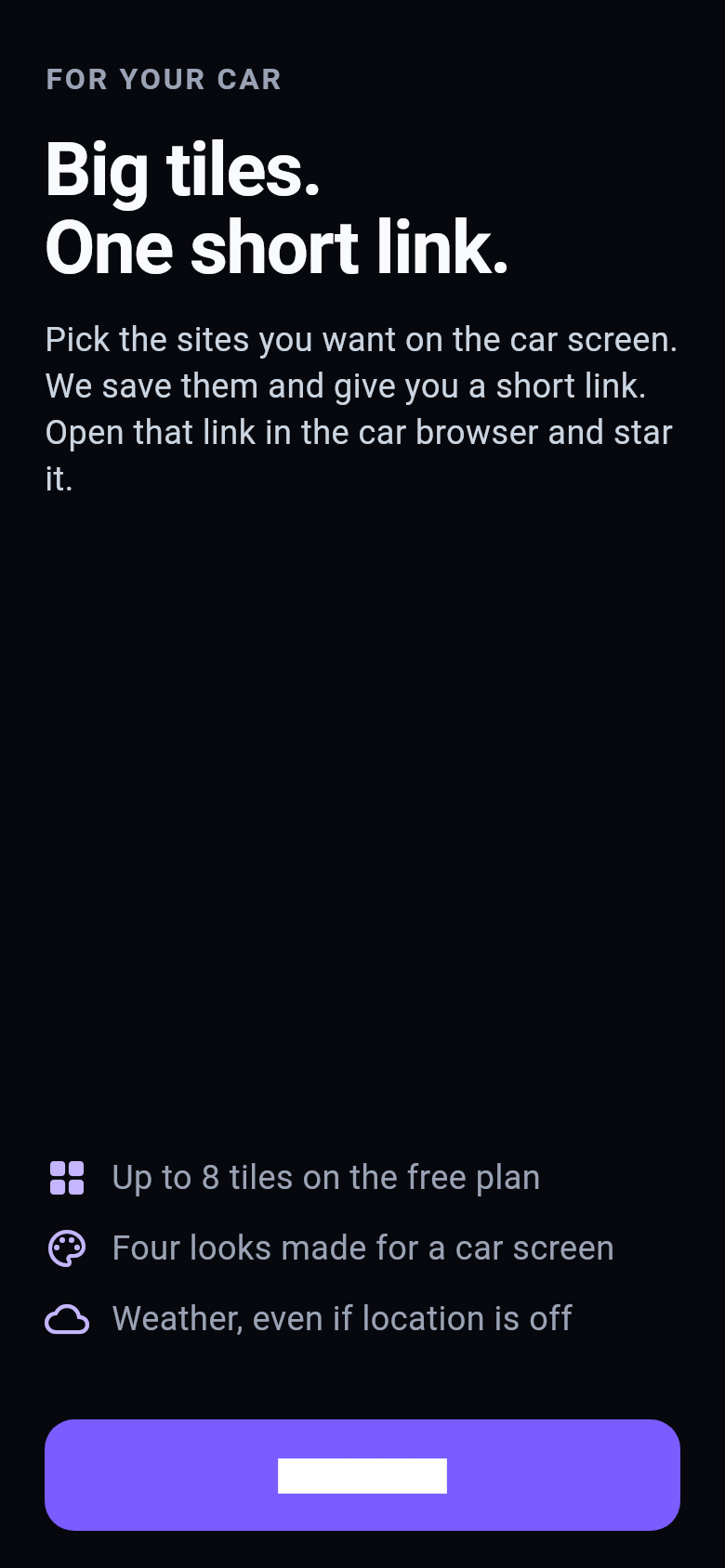
1 Open TileDash on your iPhone.
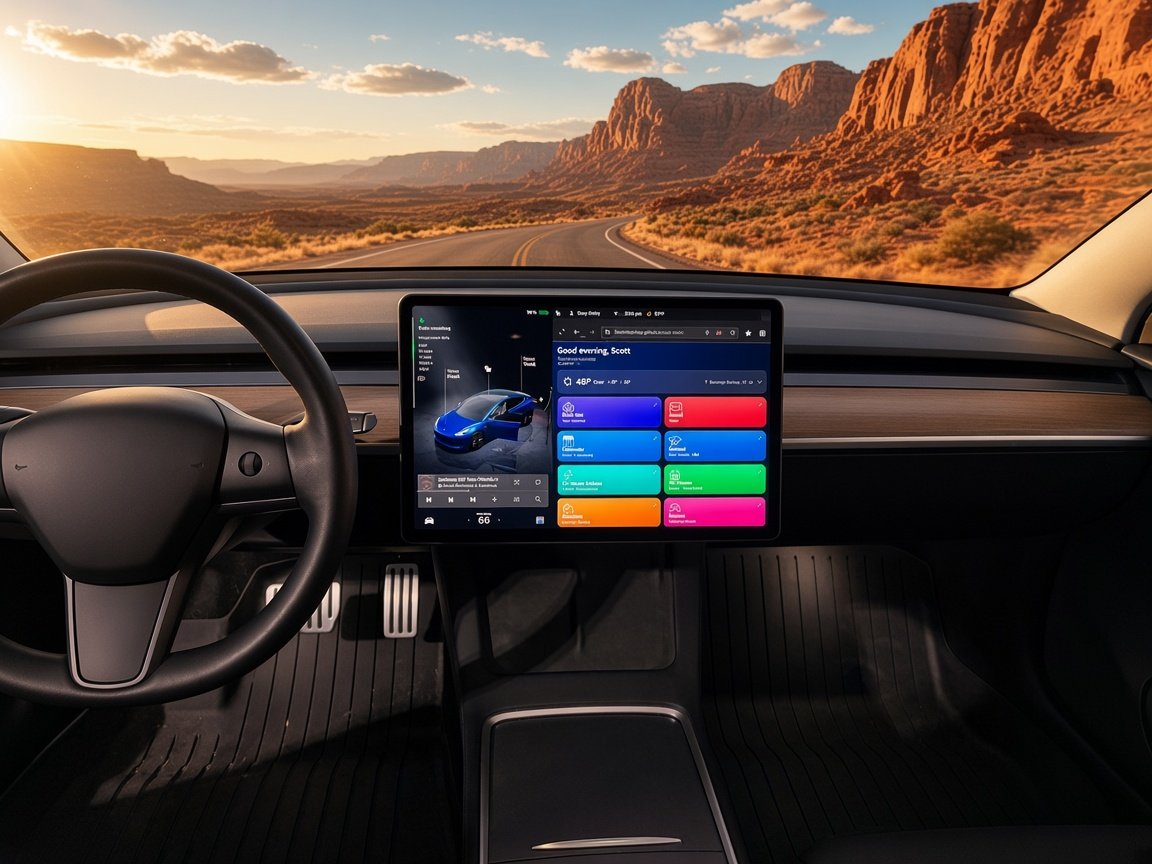
For the car browser
A customizable tile dashboard for your car's browser, set up from your iPhone.
App Store · coming soon
Works in your car's browser. Including a Tesla Model 3. Star the short link once. Use it while parked.
Swipe right to left. Each card is one step.
1 Open TileDash on your iPhone.
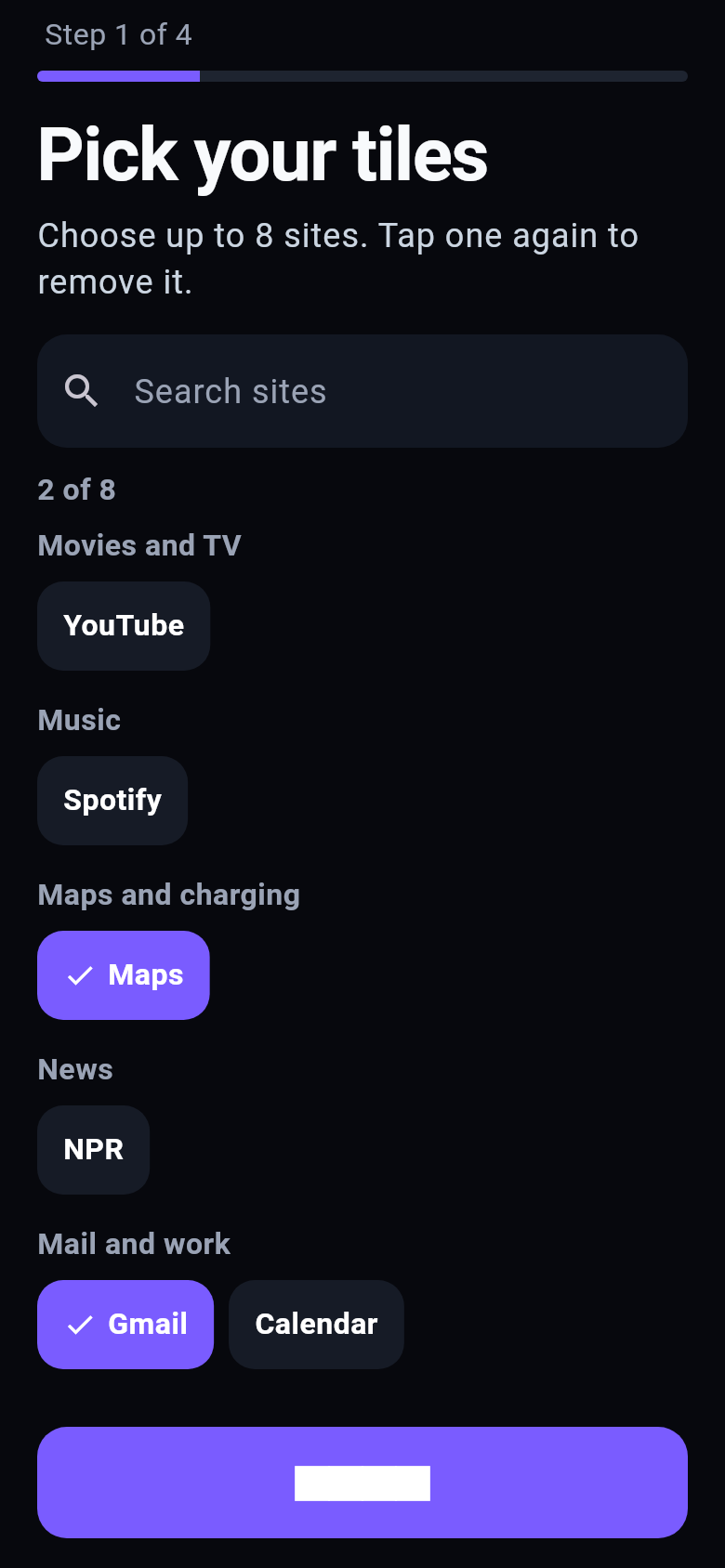
2 Pick the sites you want on the car screen.
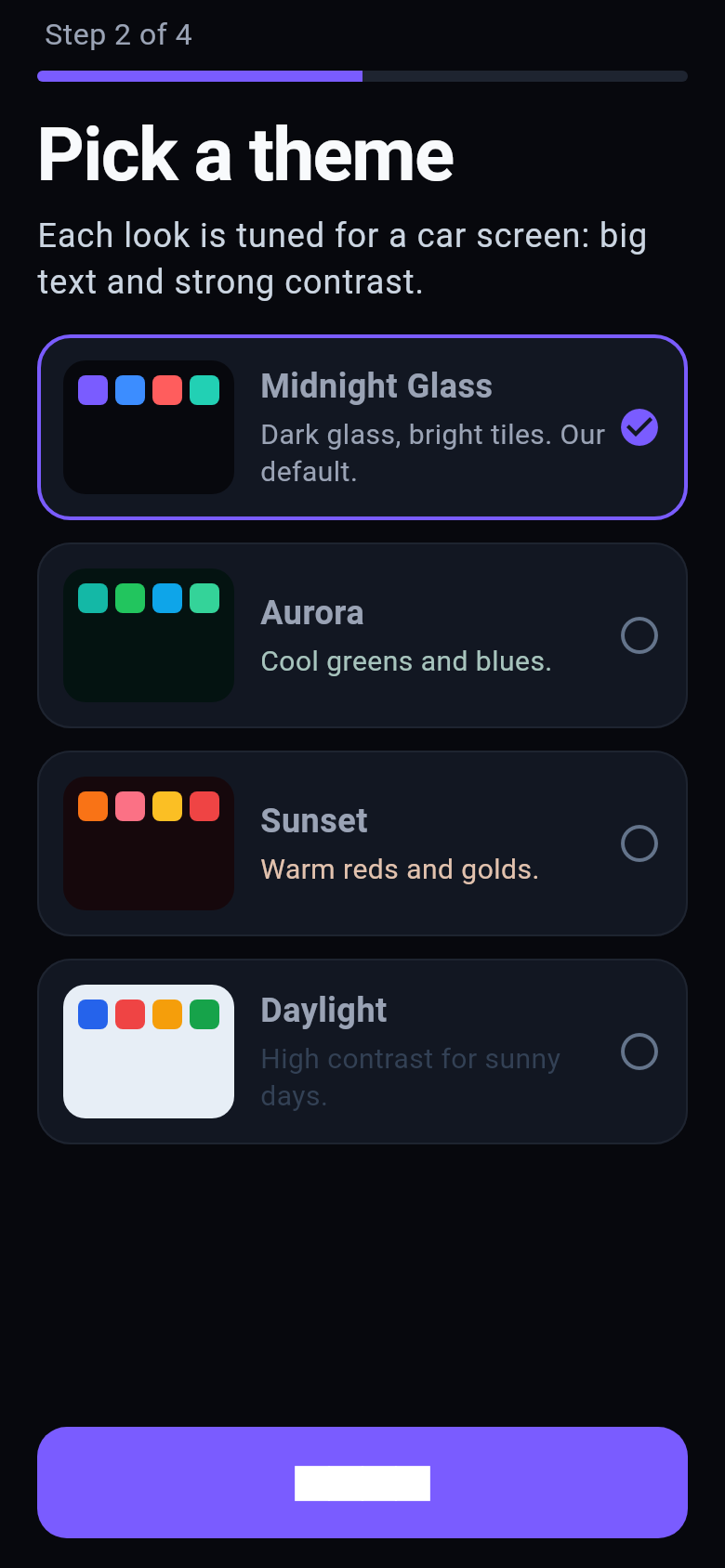
3 Pick a look. Midnight Glass is the default.
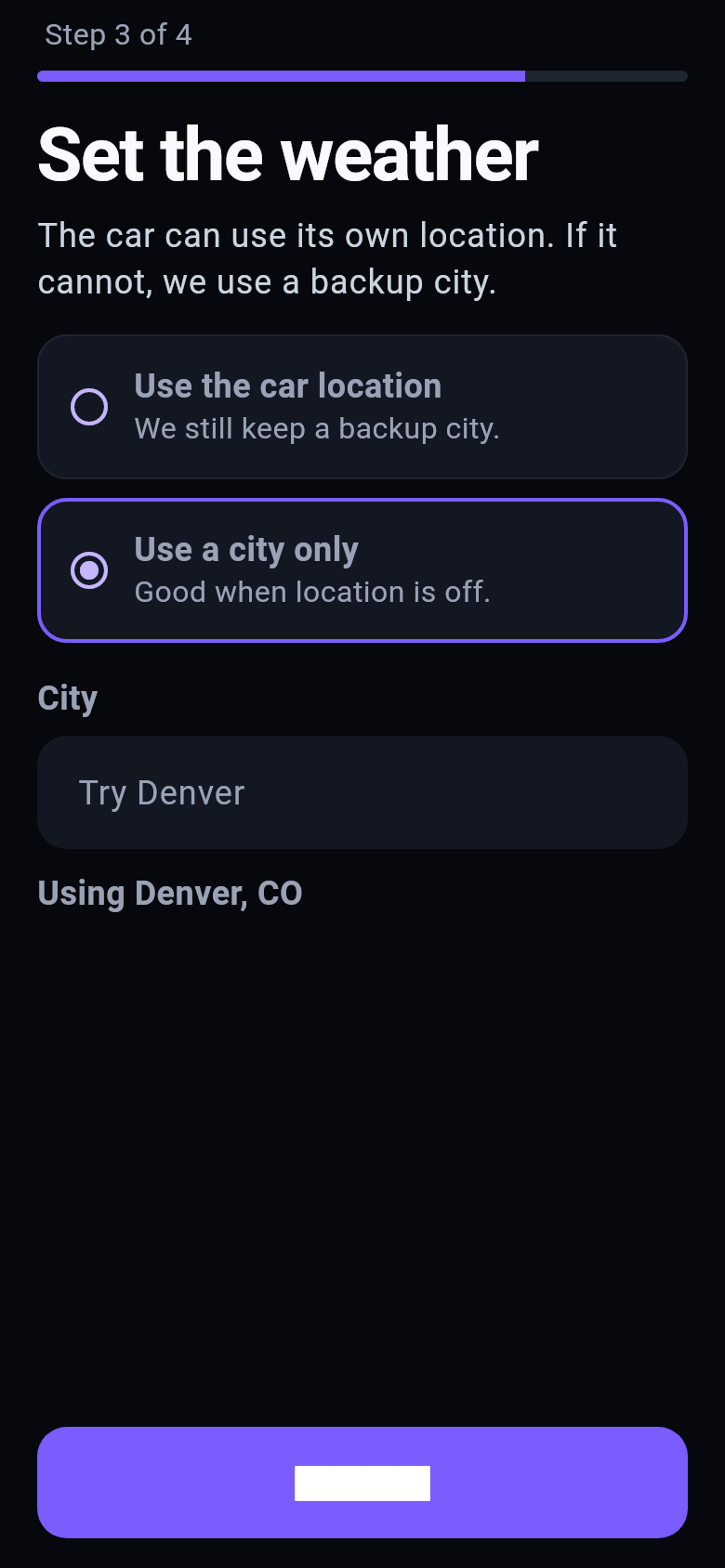
4 Use the car's location, or a city if you say no.
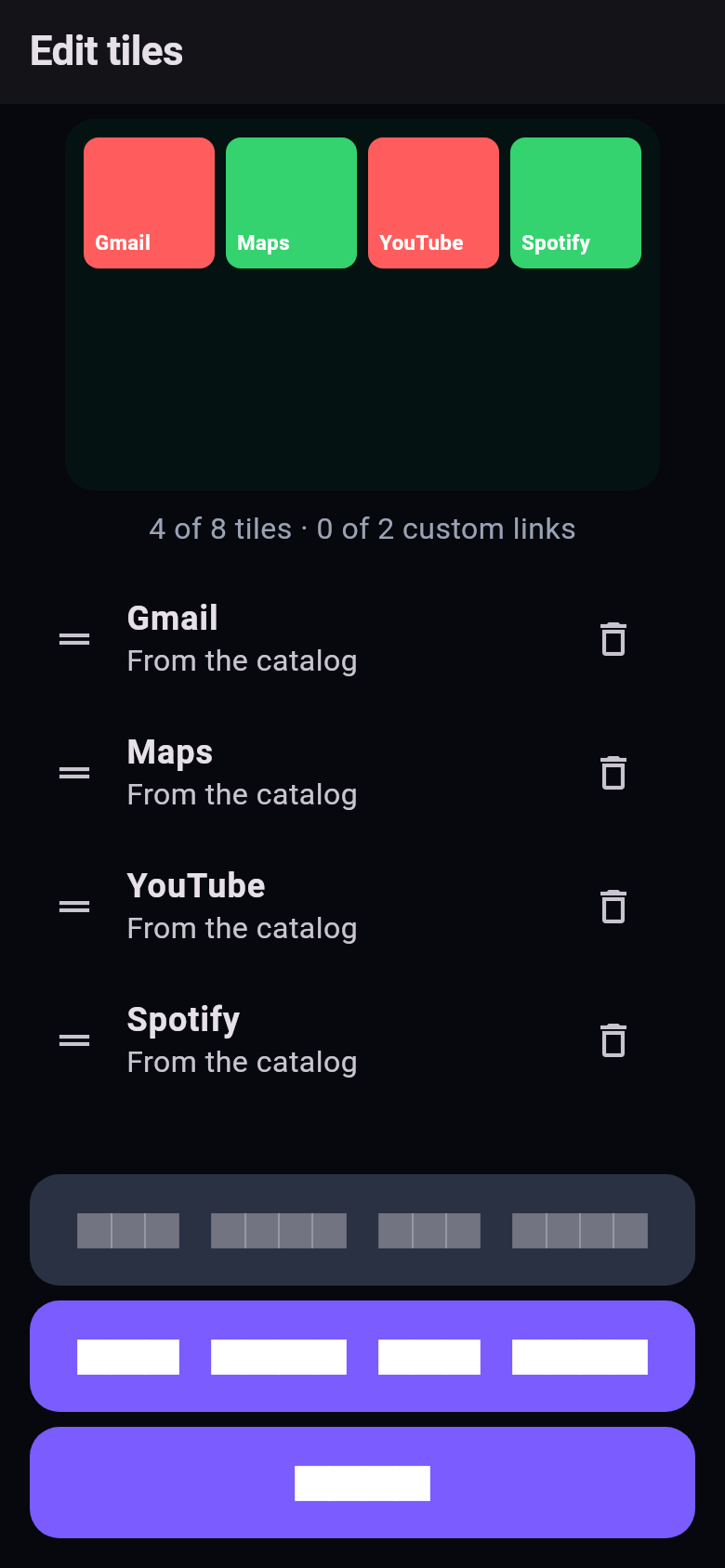
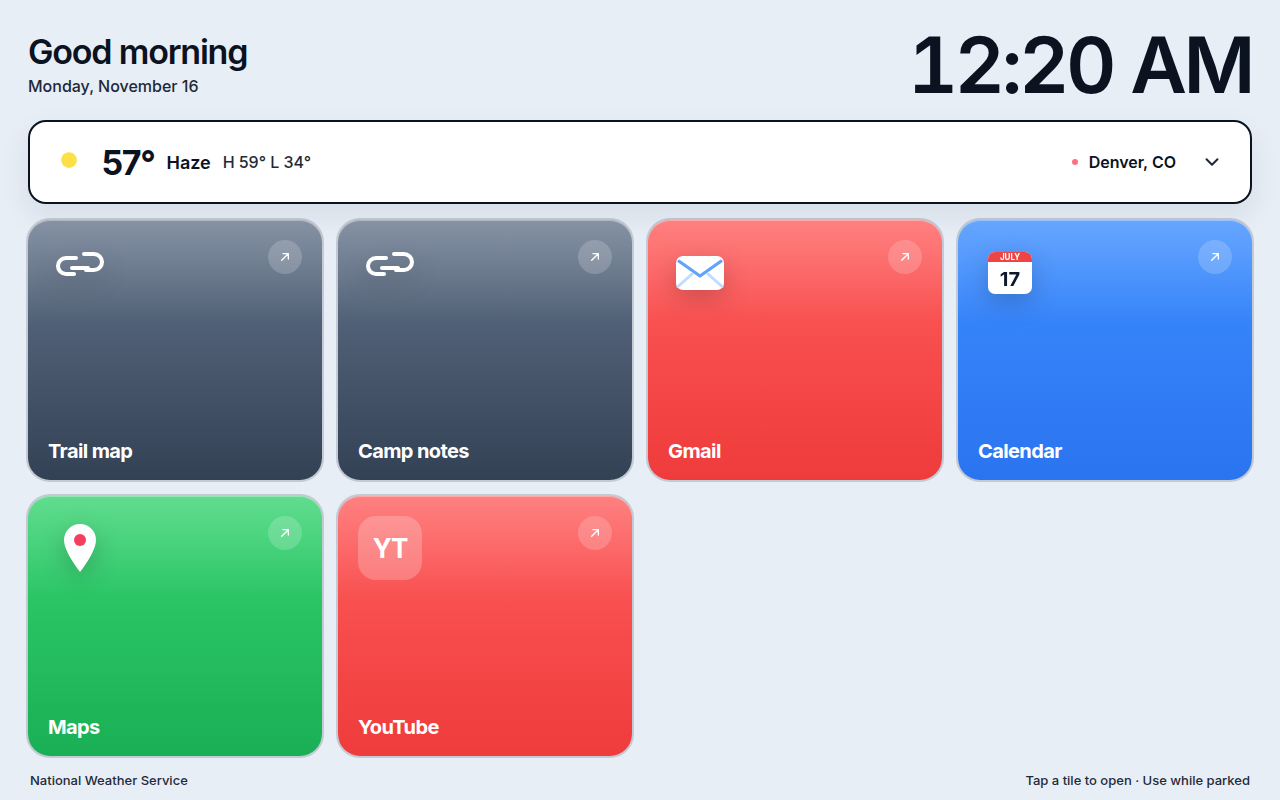
5 Drag to reorder, or add a link of your own.
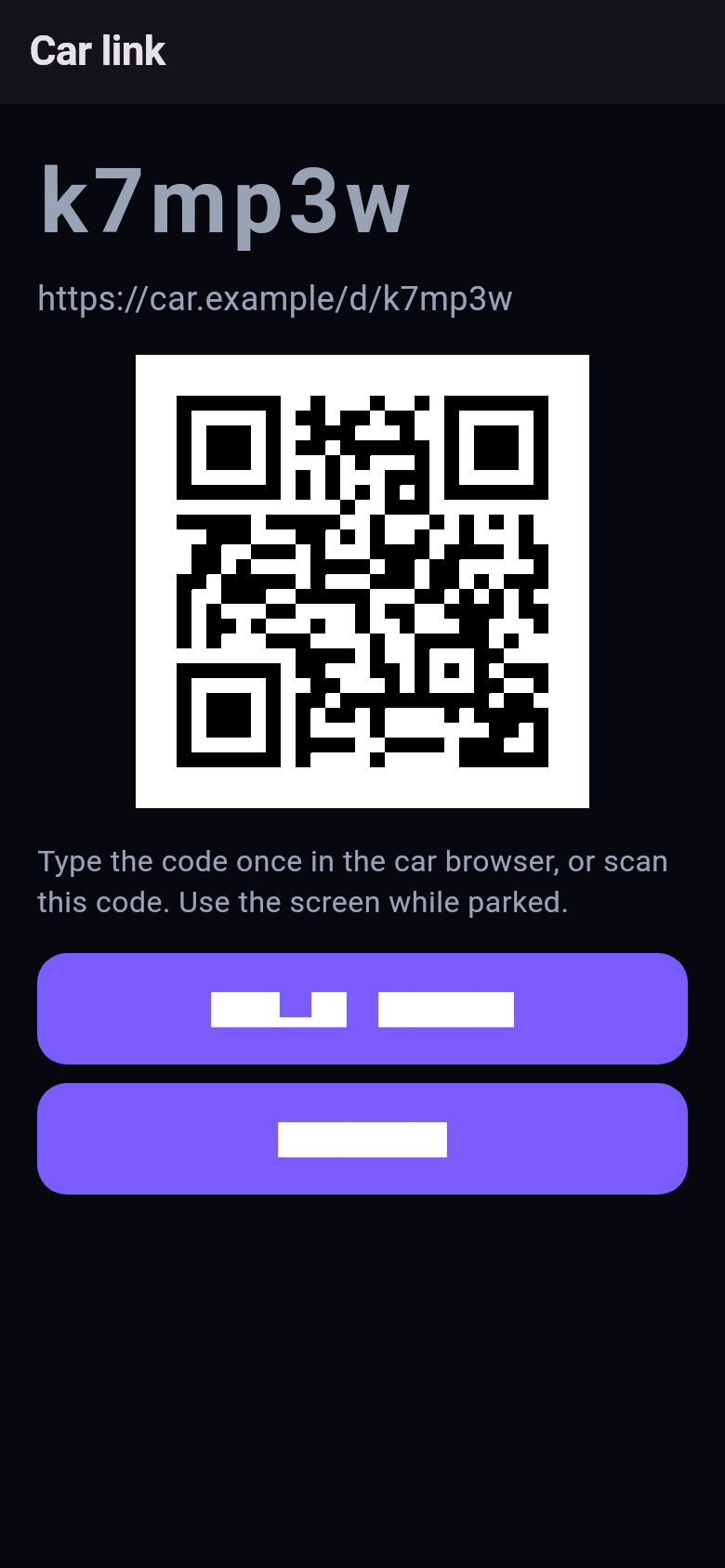
6 Scan the QR code or type the link in the car.
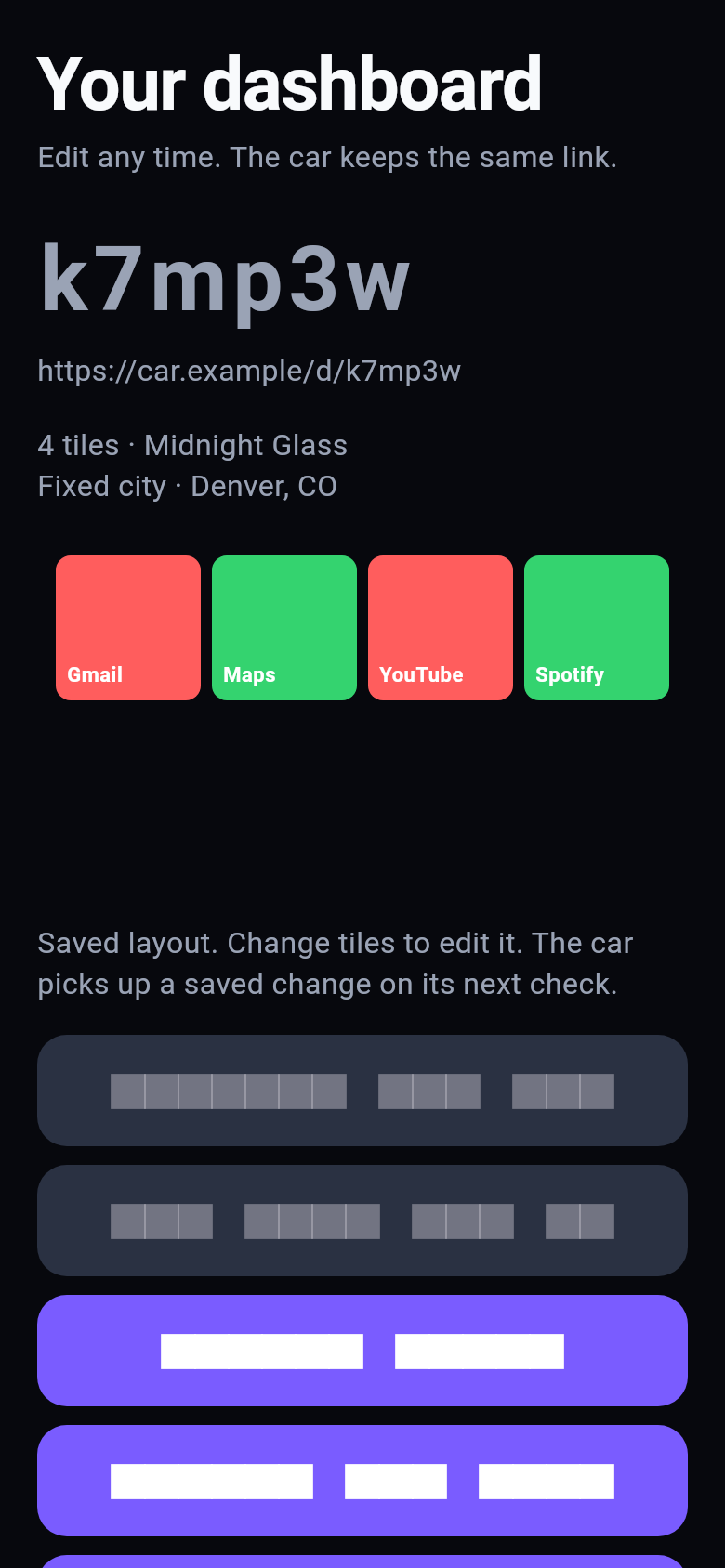
7 The same link stays. Edit any time.
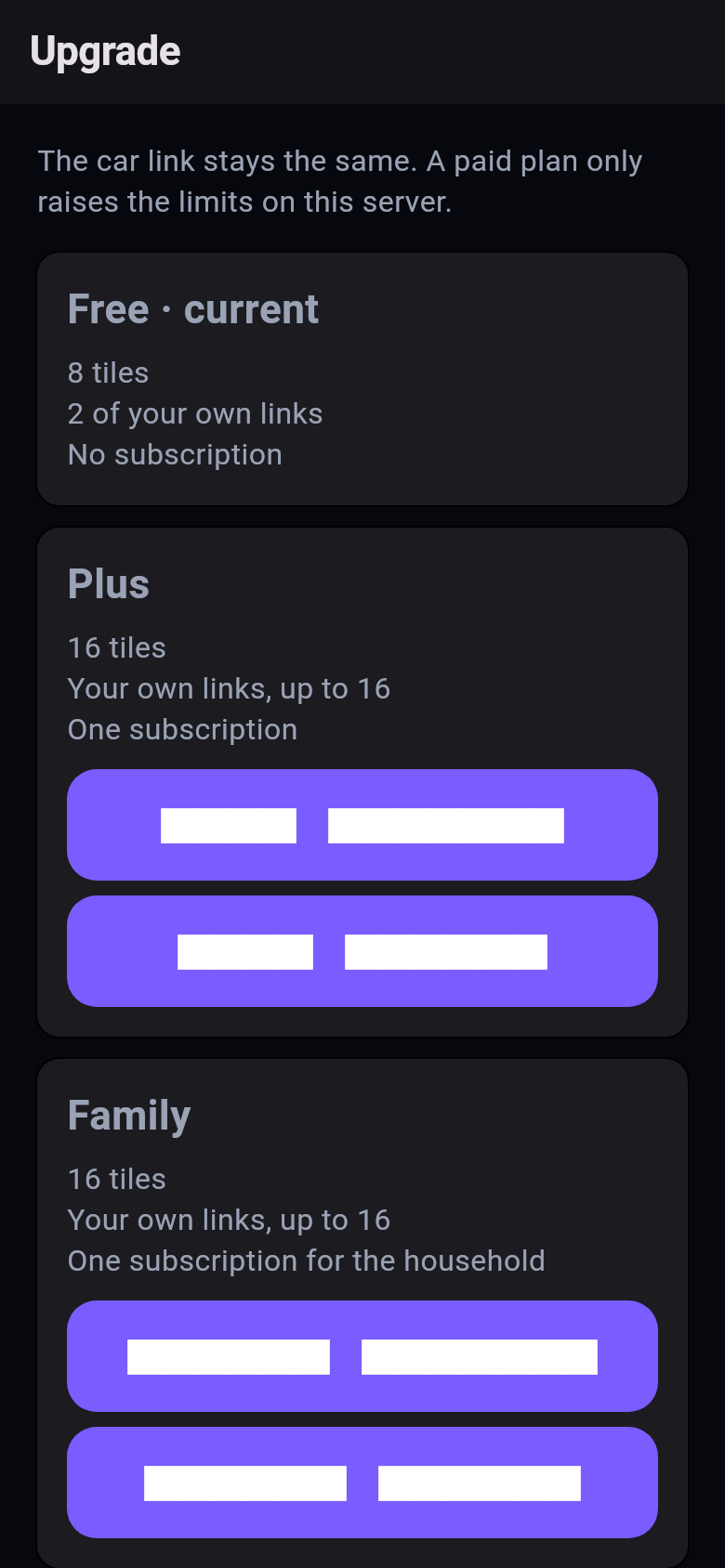
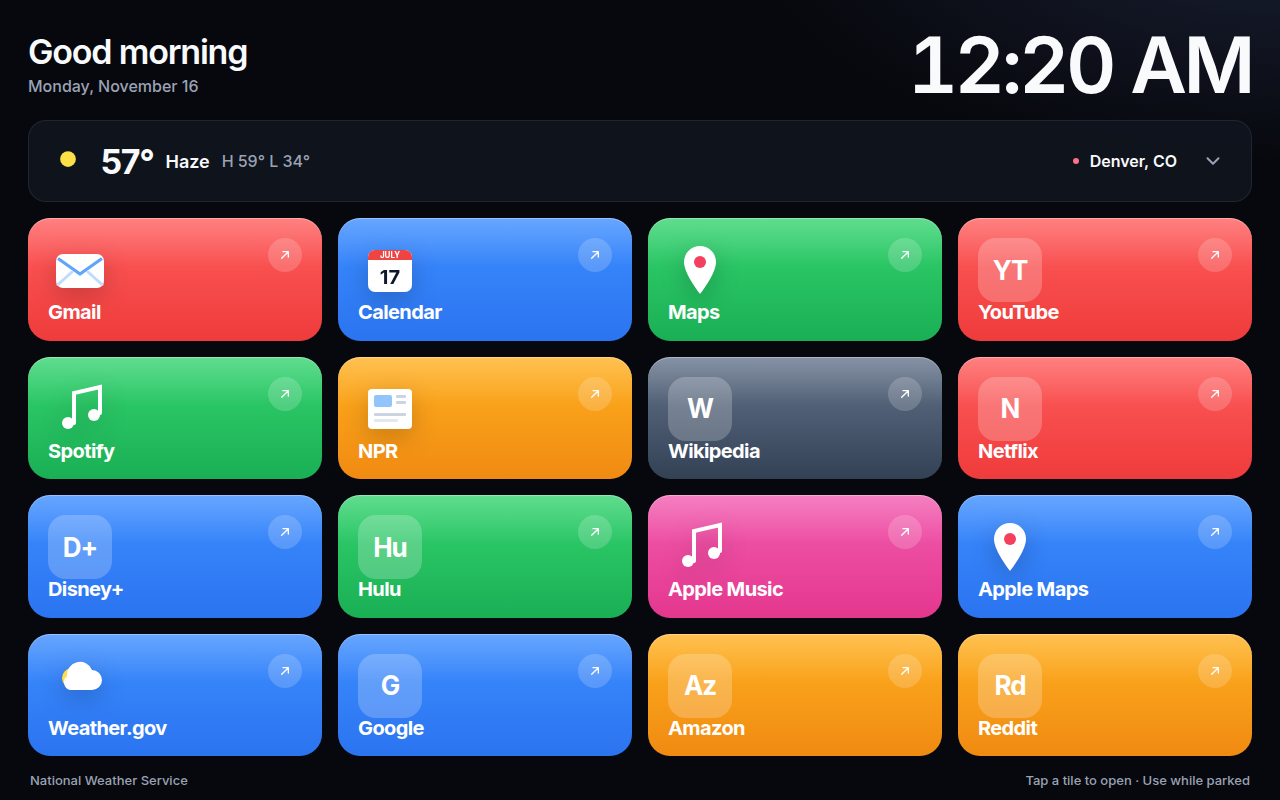
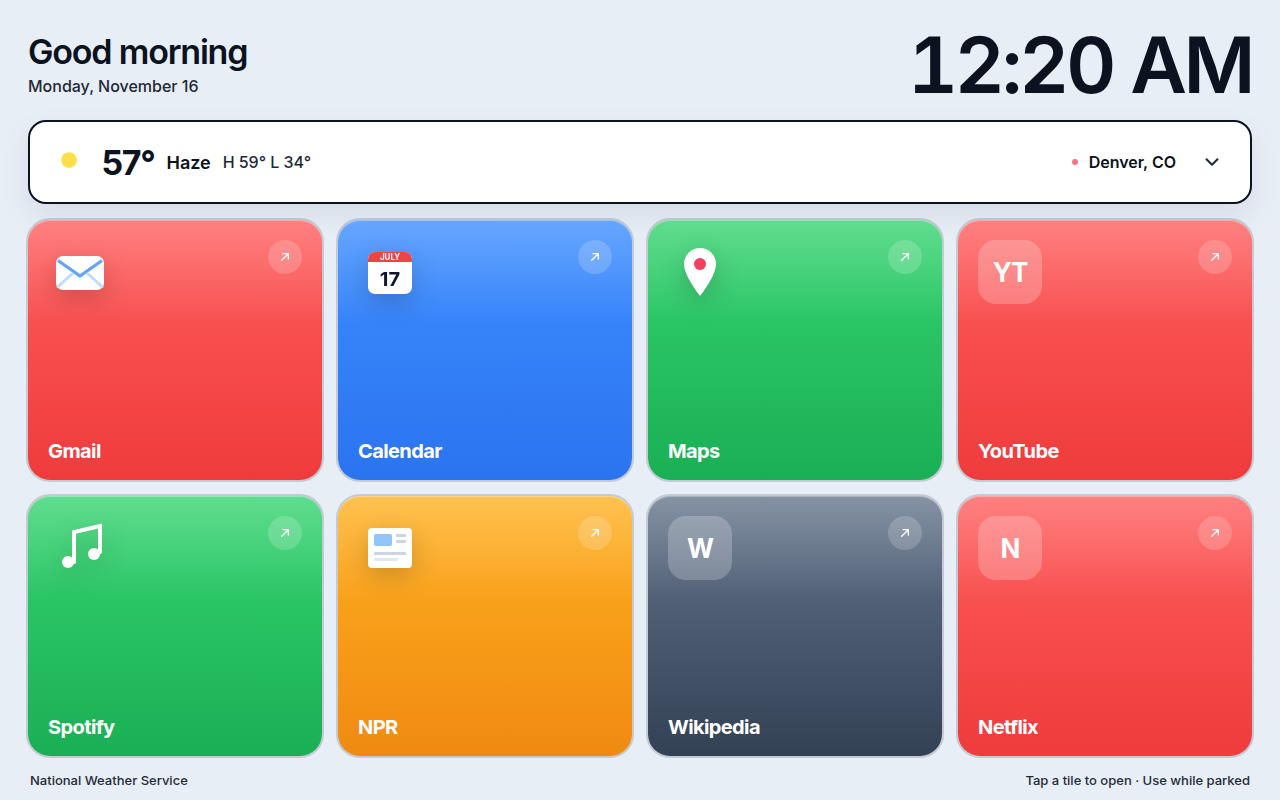
8 Free is 8 tiles. Plus and Family go to 16.
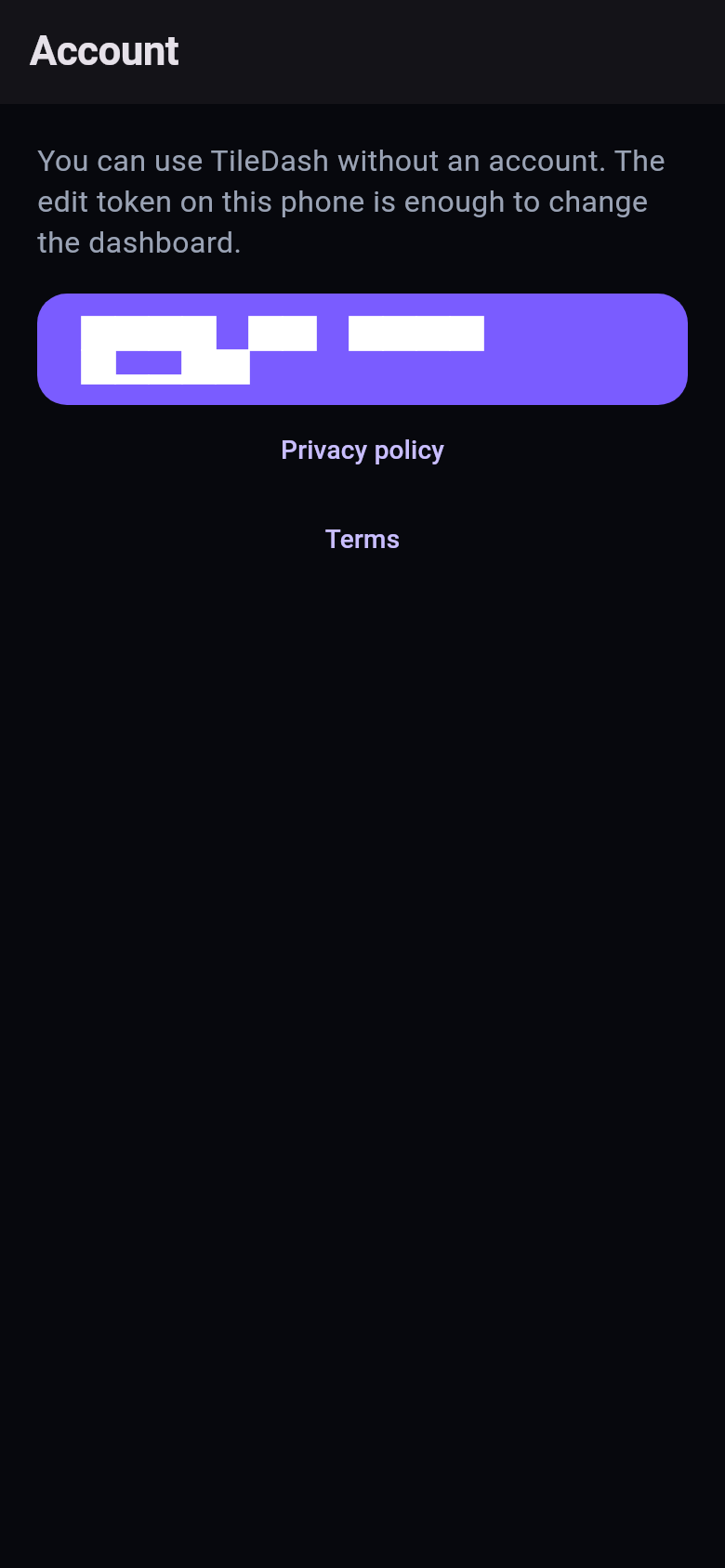
9 An account is optional. You can delete it later.
Catalog sites, plus https links you type. Drag to reorder. The preview updates before you save.
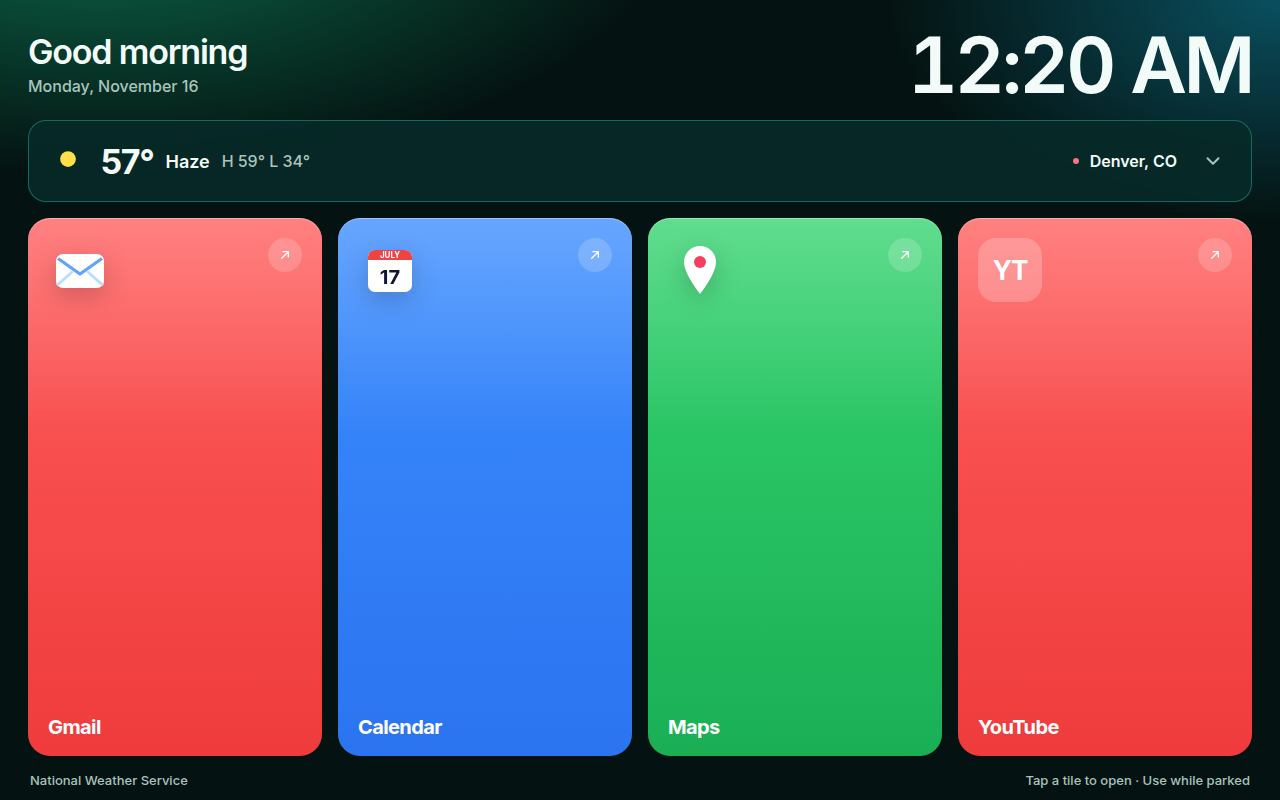
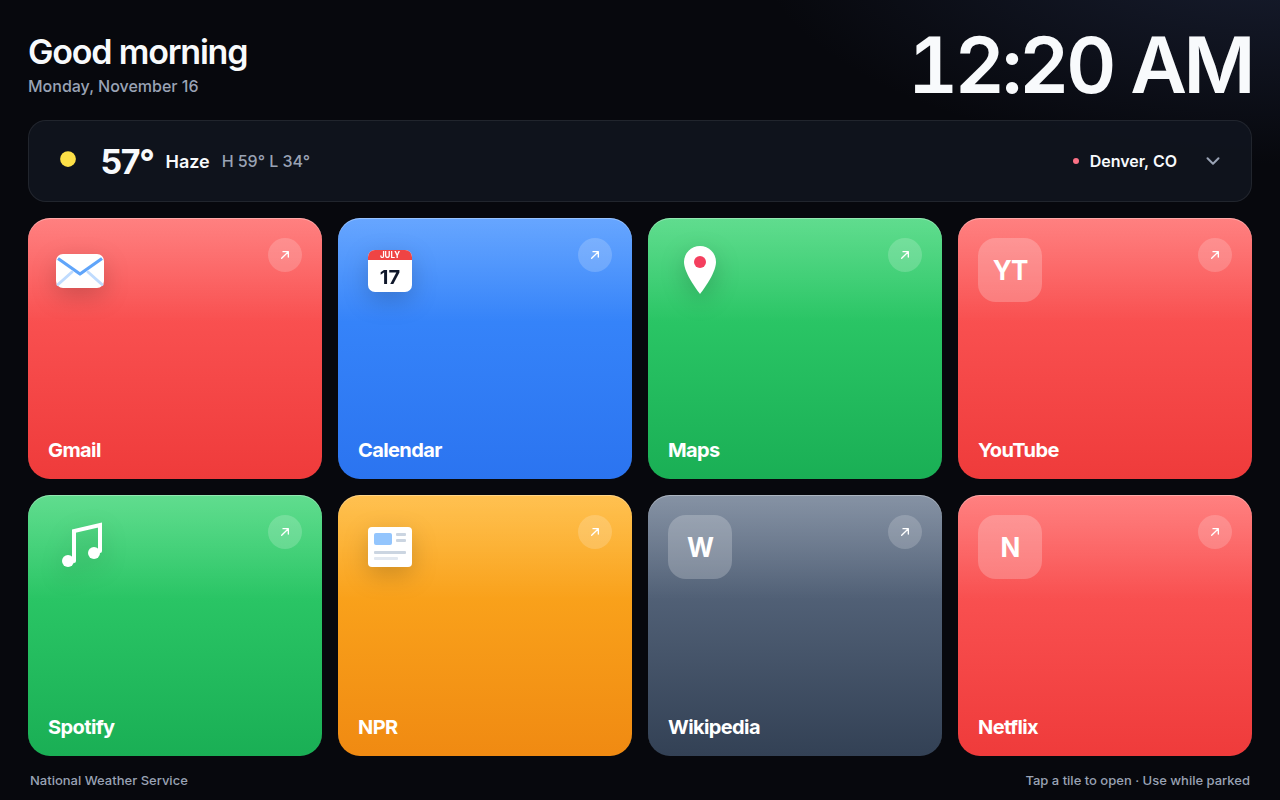
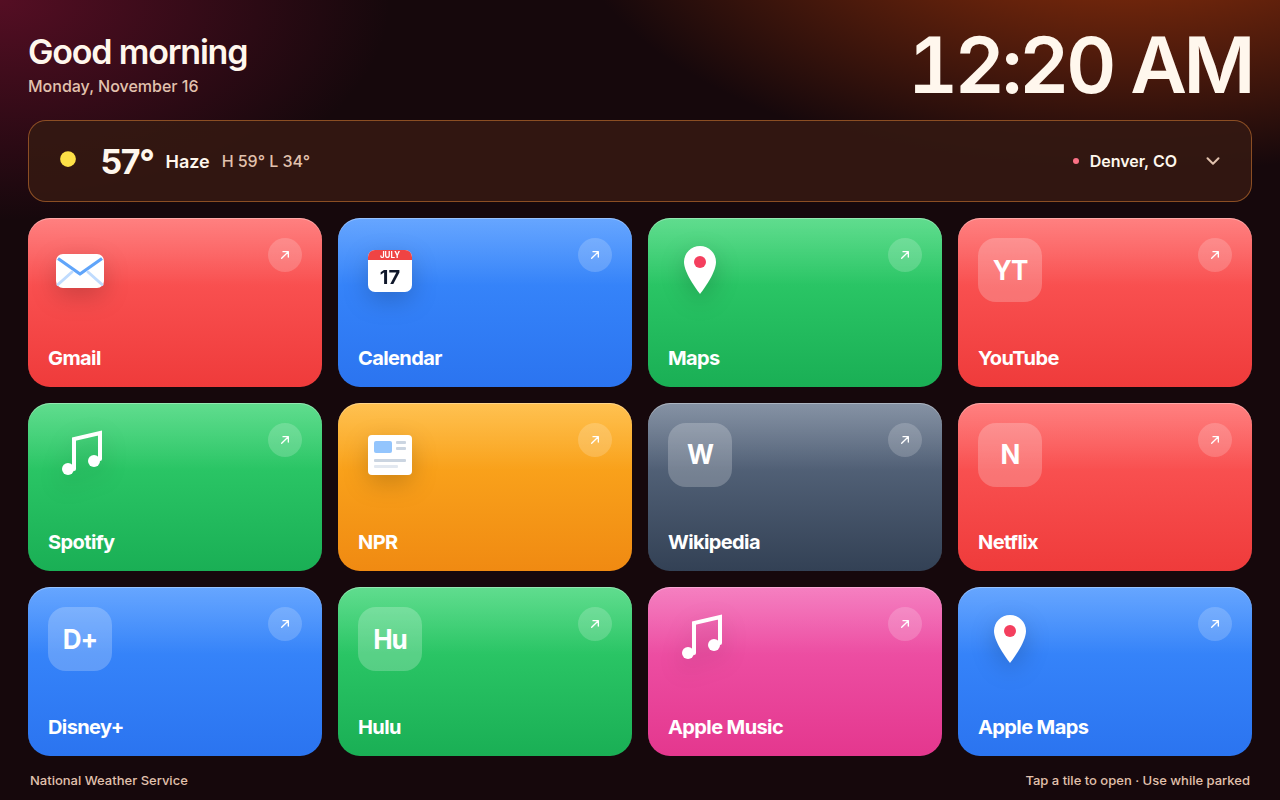
Midnight Glass, Aurora, Sunset, and Daylight. The car page uses the same colors.
National Weather Service when the car has a location. A city you pick when it does not.
Pricing coming soon. These are the limits the server already enforces.
Pricing coming soon
Pricing coming soon
Pricing coming soon
The dashboard is a web page at about the size of a Tesla Model 3 center screen. The frame is a drawing, not a photo of a car.
No. The edit token stays on the iPhone. Sign in with Apple is optional, and you can delete that account in the app.
No. The open car page checks again every 30 seconds.
Pick a city. Weather still comes from the National Weather Service.
No. Set it up before you move, and use the screen while parked.